
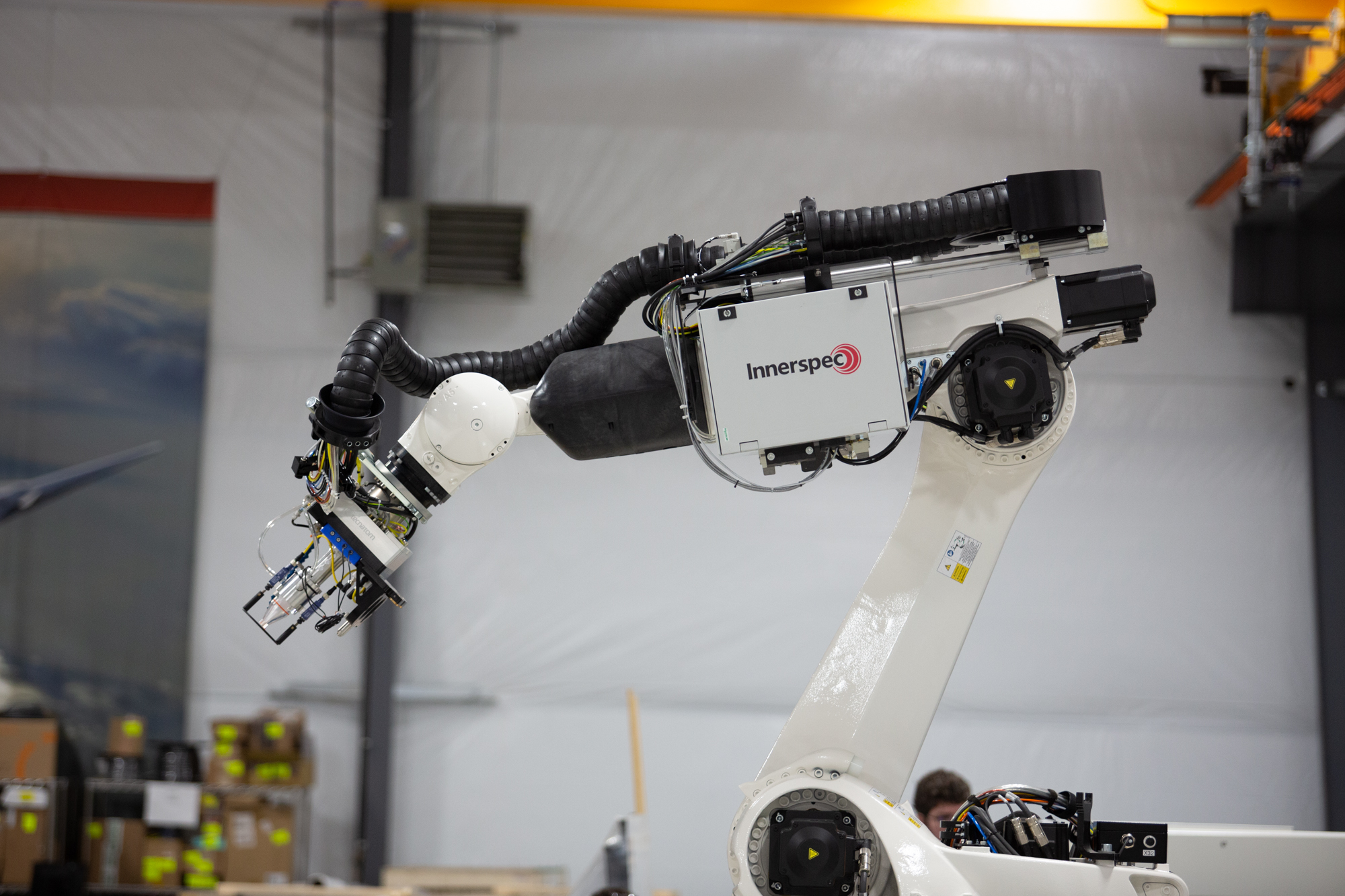
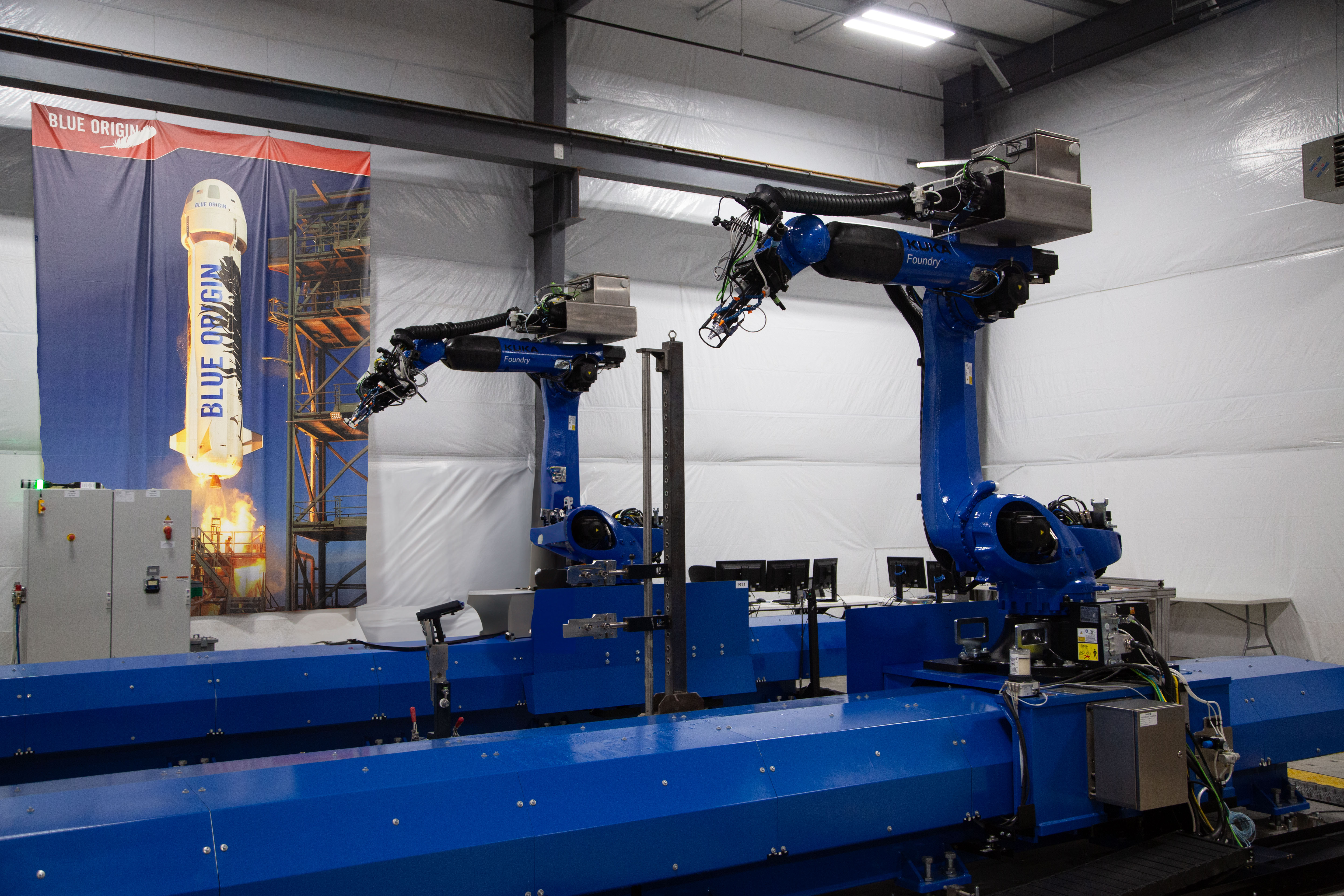
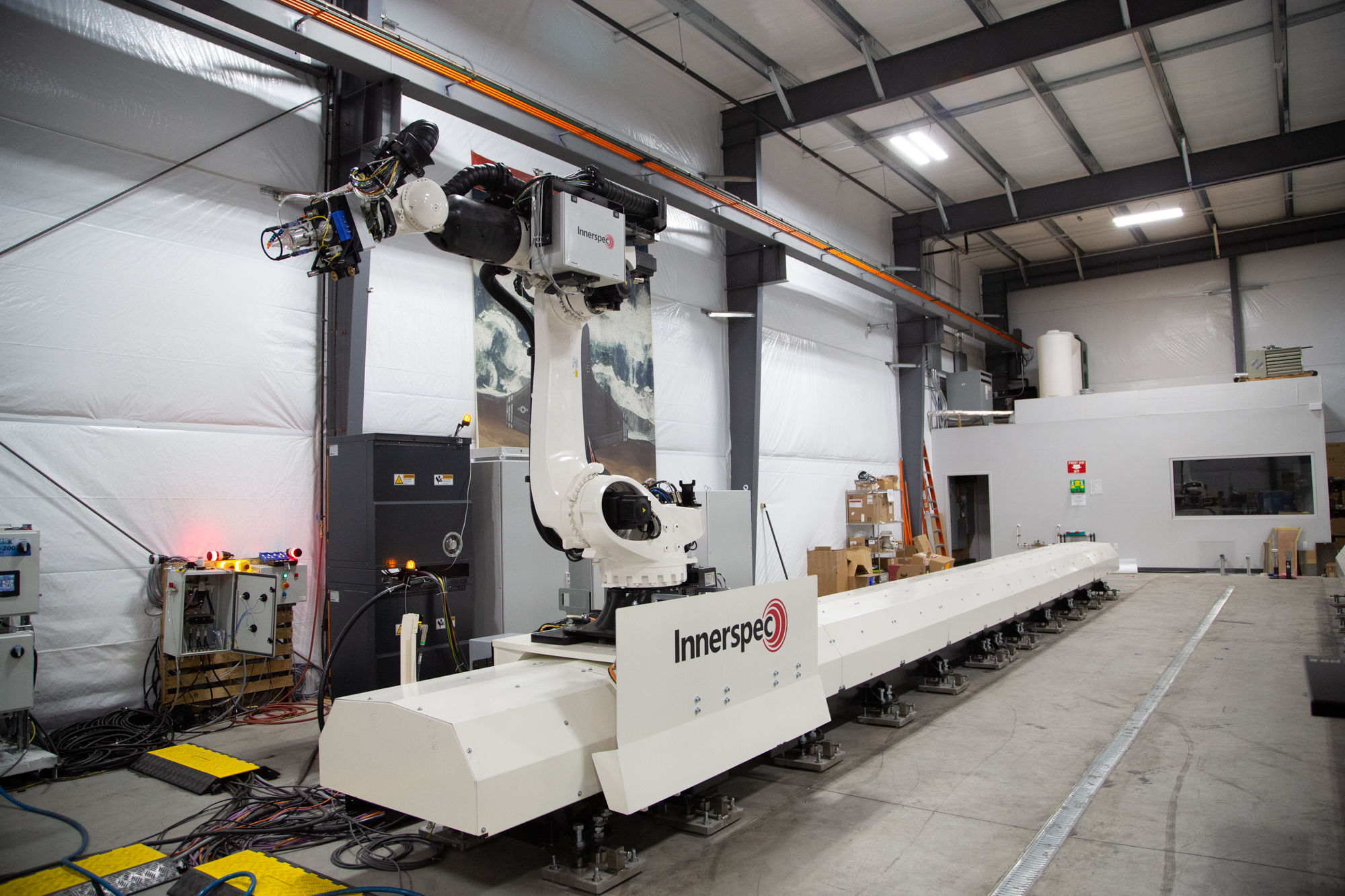
Comprehensive High-Output Robotic Universal-NDT System (CHORUS) is the first inspection platform designed to evolve, built for the inspection of large and small composite parts, forgings, and other metallic components. CHORUS is optimized for Ultrasonic Testing techniques (PE, TTU, PAUT) as well as a wide range of NDT techniques such as EMAT, Eddy Current, Radiography, Thermography, and Shearography.

The flexible CHORUS system can be integrated with tracks, turntables, rotating scanners, part actuators, and immersion tanks in single and multiple robot configurations working separately or together.
CHORUS systems include a comprehensive web-based software (NDT-WEB ROUTINE) for Offline and Online programming.
Comprehensive High-Output Robotic Universal-NDT System (CHORUS) is the first inspection platform designed to evolve, built for the inspection of large and small composite parts, forgings, and other metallic components. CHORUS is optimized for Ultrasonic Testing techniques (PE, TTU, PAUT) as well as a wide range of NDT techniques such as EMAT, Eddy Current, Radiography, Thermography, and Shearography.
The flexible CHORUS system can be integrated with tracks, turntables, rotating scanners, part actuators, and immersion tanks in single and multiple robot configurations working separately or together.
CHORUS systems include a comprehensive web-based software (NDT-WEB ROUTINE) for Offline and Online programming.
Mit dem Rich-Text-Element können Sie Überschriften, Absätze, Blockzitate, Bilder und Videos an einem Ort erstellen und formatieren, anstatt sie einzeln hinzufügen und formatieren zu müssen. Mit einem Doppelklick können Sie einfach Inhalte erstellen.
Ein Rich-Text-Element kann mit statischen oder dynamischen Inhalten verwendet werden. Bei statischen Inhalten können Sie es einfach auf einer beliebigen Seite ablegen und mit der Bearbeitung beginnen. Für dynamische Inhalte fügen Sie ein Rich-Text-Feld zu einer beliebigen Sammlung hinzu und verbinden dann ein Rich-Text-Element mit diesem Feld im Einstellungsfenster. Voilà!
Überschriften, Absätze, Blockzitate, Abbildungen, Bilder und Abbildungsunterschriften können alle gestylt werden, nachdem dem Rich-Text-Element eine Klasse hinzugefügt wurde, indem das verschachtelte Selektorsystem "Wenn innerhalb von" verwendet wird.
Mit dem Rich-Text-Element können Sie Überschriften, Absätze, Blockzitate, Bilder und Videos an einem Ort erstellen und formatieren, anstatt sie einzeln hinzufügen und formatieren zu müssen. Mit einem Doppelklick können Sie einfach Inhalte erstellen.
Ein Rich-Text-Element kann mit statischen oder dynamischen Inhalten verwendet werden. Bei statischen Inhalten können Sie es einfach auf einer beliebigen Seite ablegen und mit der Bearbeitung beginnen. Für dynamische Inhalte fügen Sie ein Rich-Text-Feld zu einer beliebigen Sammlung hinzu und verbinden dann ein Rich-Text-Element mit diesem Feld im Einstellungsfenster. Voilà!
Überschriften, Absätze, Blockzitate, Abbildungen, Bilder und Abbildungsunterschriften können alle gestylt werden, nachdem dem Rich-Text-Element eine Klasse hinzugefügt wurde, indem das verschachtelte Selektorsystem "Wenn innerhalb von" verwendet wird.