
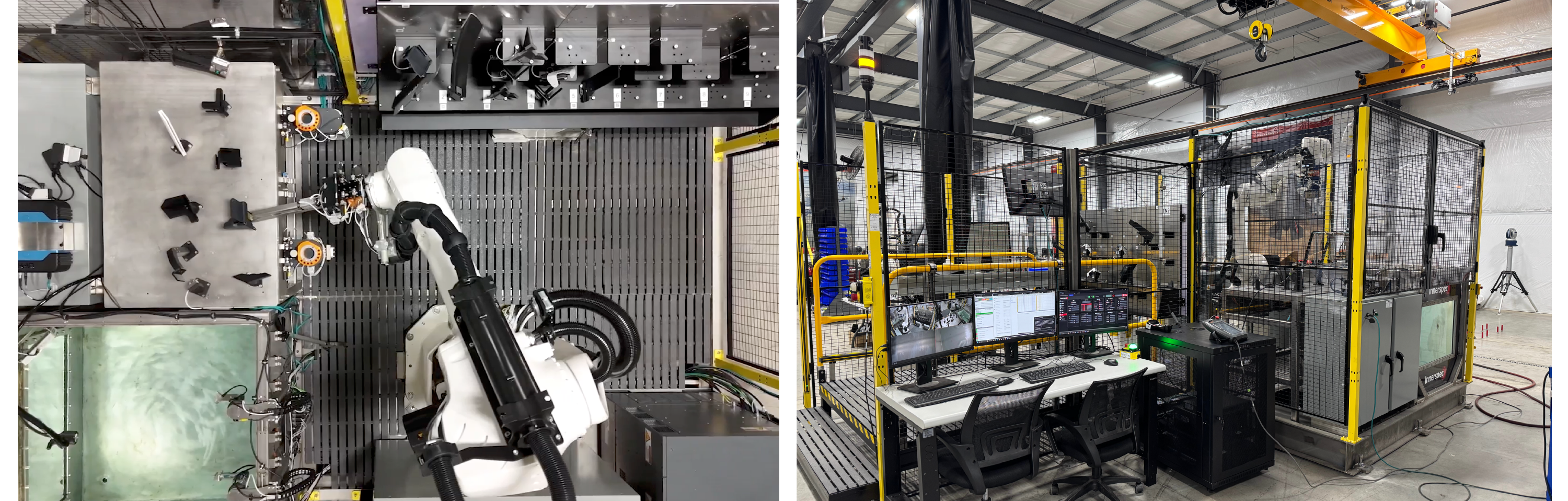
Automated robotic systems designed for inspection of composite parts using Ultrasonic Testing, Digital Radiography, Thermography, and Shearography.
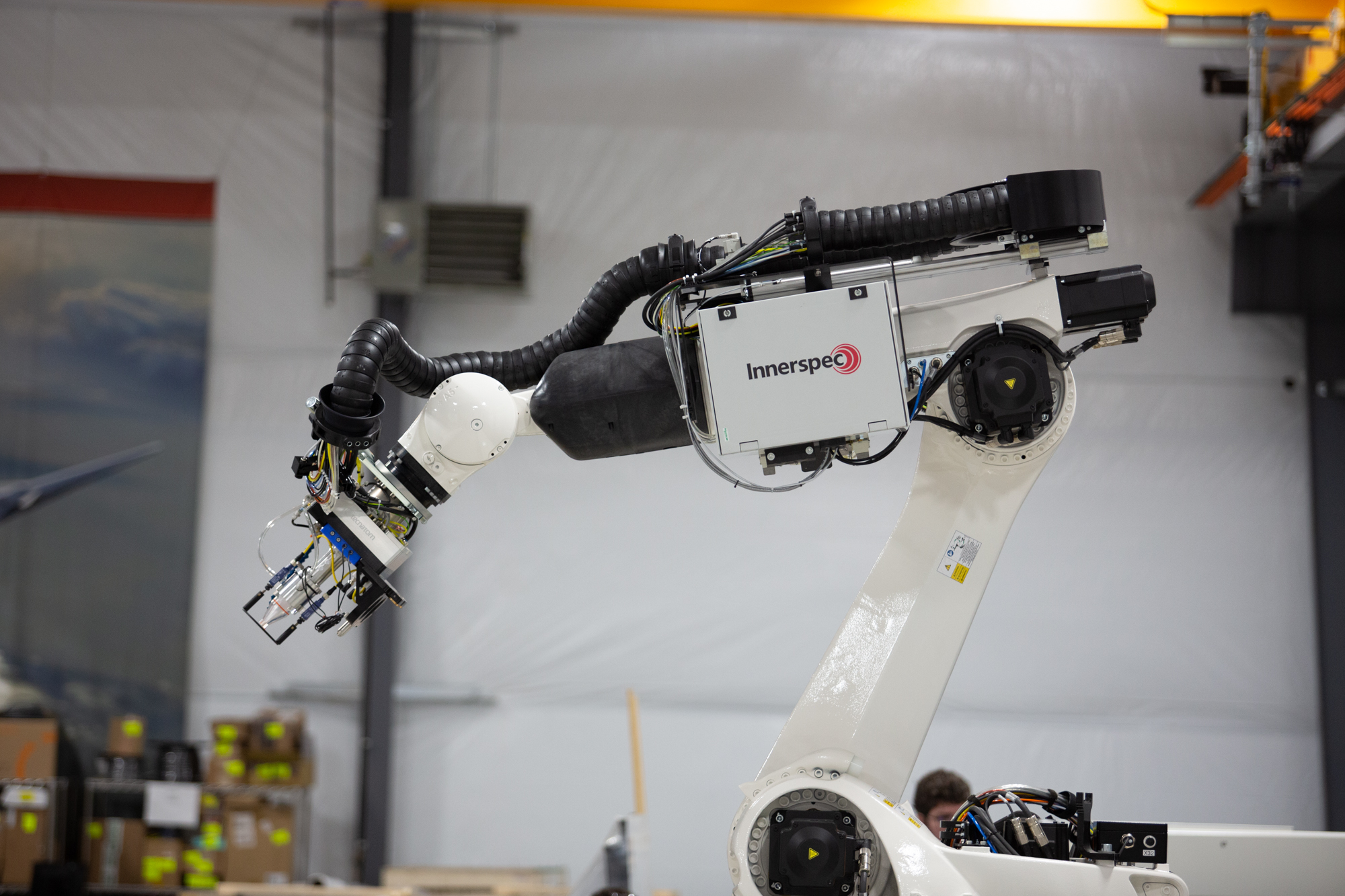
CHORUS is designed for inspection of composite components with complex geometries and variable part conditions. The system enables high precision inspection across curved surfaces, thickness variations, and integrated structural features commonly found in composite manufacturing.
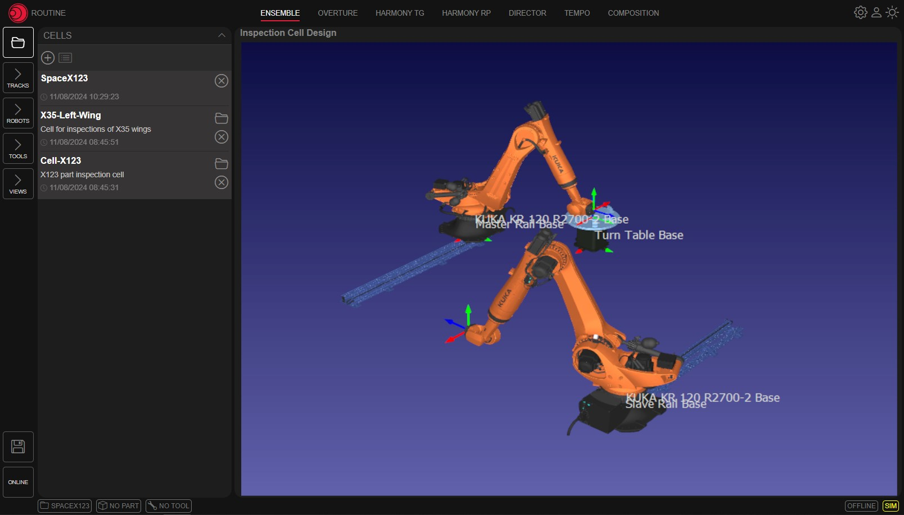
CHORUS is powered by NDT-WEB ROUTINE, a web-based software environment that manages the complete inspection process, including part discovery, trajectory generation, inspection execution, and data acquisition.
Large Structures
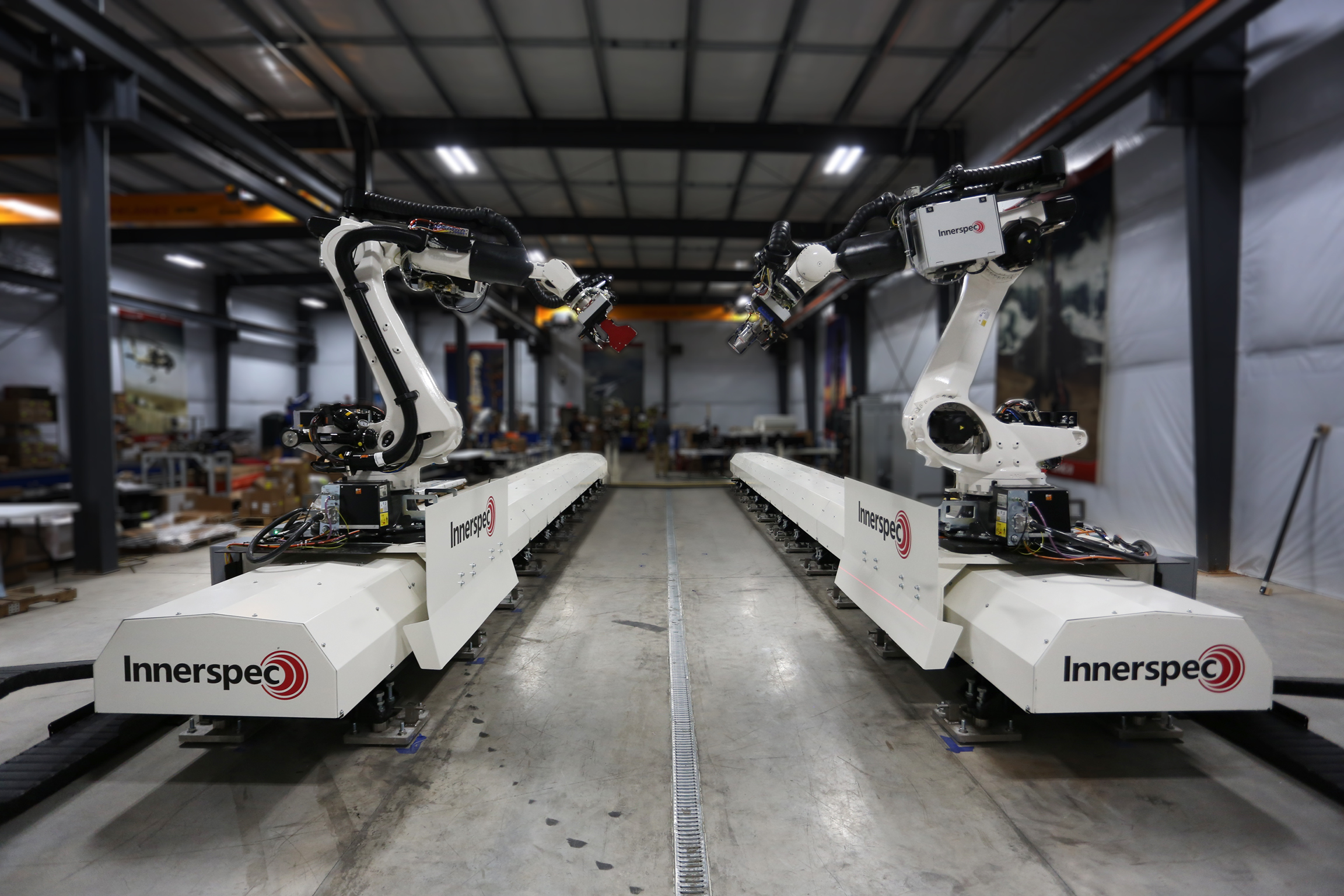
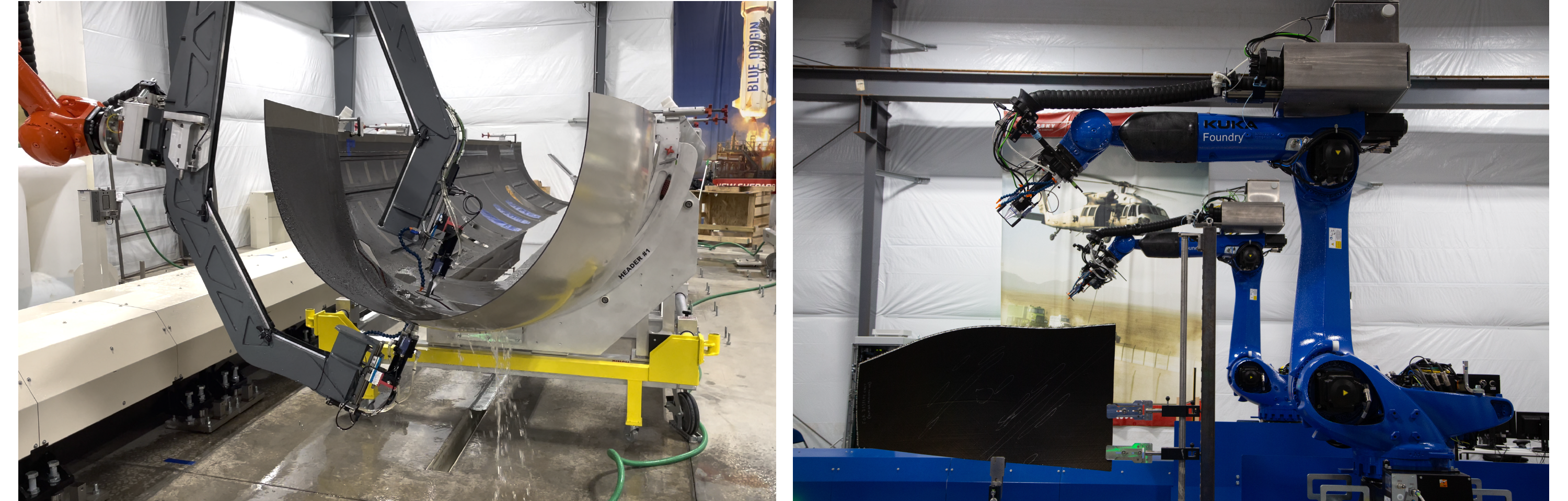
Flexible multi axis robotic scanning for large composite structures with compound geometries. The system maintains consistent probe orientation and inspection conditions across large surfaces, enabling reliable inspection of components such as aerospace skins, panels, and structural assemblies.
The system is well suited for inspection around integrated features such as stiffeners and stringers, where maintaining proper probe alignment across transitions and complex geometries is critical.
Standard configurations include single or multi-robotic scanning of large or fixed components. Typical constructions include:
Small Components
Used for the inspection of thermoplastic or carbon-fiber reinforced clips used in airframe assembly to secure structural components. The cell incorporates automated part handling, positioning, and scanning with customized part nests and tool changers.
The parts are inspected in an integrated immersion tank. Automated setups for 2,000+ parts with unique manipulation and inspection strategies.
Proprietary adaptive control algorithm permits modifying the robot path based on scanning results to accommodate variability in the manufactured parts.
Automated robotic systems designed for inspection of composite parts using Ultrasonic Testing, Digital Radiography, Thermography, and Shearography.
CHORUS is designed for inspection of composite components with complex geometries and variable part conditions. The system enables high precision inspection across curved surfaces, thickness variations, and integrated structural features commonly found in composite manufacturing.
CHORUS is powered by NDT-WEB ROUTINE, a web-based software environment that manages the complete inspection process, including part discovery, trajectory generation, inspection execution, and data acquisition.
Large Structures
Flexible multi axis robotic scanning for large composite structures with compound geometries. The system maintains consistent probe orientation and inspection conditions across large surfaces, enabling reliable inspection of components such as aerospace skins, panels, and structural assemblies.
The system is well suited for inspection around integrated features such as stiffeners and stringers, where maintaining proper probe alignment across transitions and complex geometries is critical.
Standard configurations include single or multi-robotic scanning of large or fixed components. Typical constructions include:
Small Components
Used for the inspection of thermoplastic or carbon-fiber reinforced clips used in airframe assembly to secure structural components. The cell incorporates automated part handling, positioning, and scanning with customized part nests and tool changers.
The parts are inspected in an integrated immersion tank. Automated setups for 2,000+ parts with unique manipulation and inspection strategies.
Proprietary adaptive control algorithm permits modifying the robot path based on scanning results to accommodate variability in the manufactured parts.
Mit dem Rich-Text-Element können Sie Überschriften, Absätze, Blockzitate, Bilder und Videos an einem Ort erstellen und formatieren, anstatt sie einzeln hinzufügen und formatieren zu müssen. Mit einem Doppelklick können Sie einfach Inhalte erstellen.
Ein Rich-Text-Element kann mit statischen oder dynamischen Inhalten verwendet werden. Bei statischen Inhalten können Sie es einfach auf einer beliebigen Seite ablegen und mit der Bearbeitung beginnen. Für dynamische Inhalte fügen Sie ein Rich-Text-Feld zu einer beliebigen Sammlung hinzu und verbinden dann ein Rich-Text-Element mit diesem Feld im Einstellungsfenster. Voilà!
Überschriften, Absätze, Blockzitate, Abbildungen, Bilder und Abbildungsunterschriften können alle gestylt werden, nachdem dem Rich-Text-Element eine Klasse hinzugefügt wurde, indem das verschachtelte Selektorsystem "Wenn innerhalb von" verwendet wird.
Mit dem Rich-Text-Element können Sie Überschriften, Absätze, Blockzitate, Bilder und Videos an einem Ort erstellen und formatieren, anstatt sie einzeln hinzufügen und formatieren zu müssen. Mit einem Doppelklick können Sie einfach Inhalte erstellen.
Ein Rich-Text-Element kann mit statischen oder dynamischen Inhalten verwendet werden. Bei statischen Inhalten können Sie es einfach auf einer beliebigen Seite ablegen und mit der Bearbeitung beginnen. Für dynamische Inhalte fügen Sie ein Rich-Text-Feld zu einer beliebigen Sammlung hinzu und verbinden dann ein Rich-Text-Element mit diesem Feld im Einstellungsfenster. Voilà!
Überschriften, Absätze, Blockzitate, Abbildungen, Bilder und Abbildungsunterschriften können alle gestylt werden, nachdem dem Rich-Text-Element eine Klasse hinzugefügt wurde, indem das verschachtelte Selektorsystem "Wenn innerhalb von" verwendet wird.